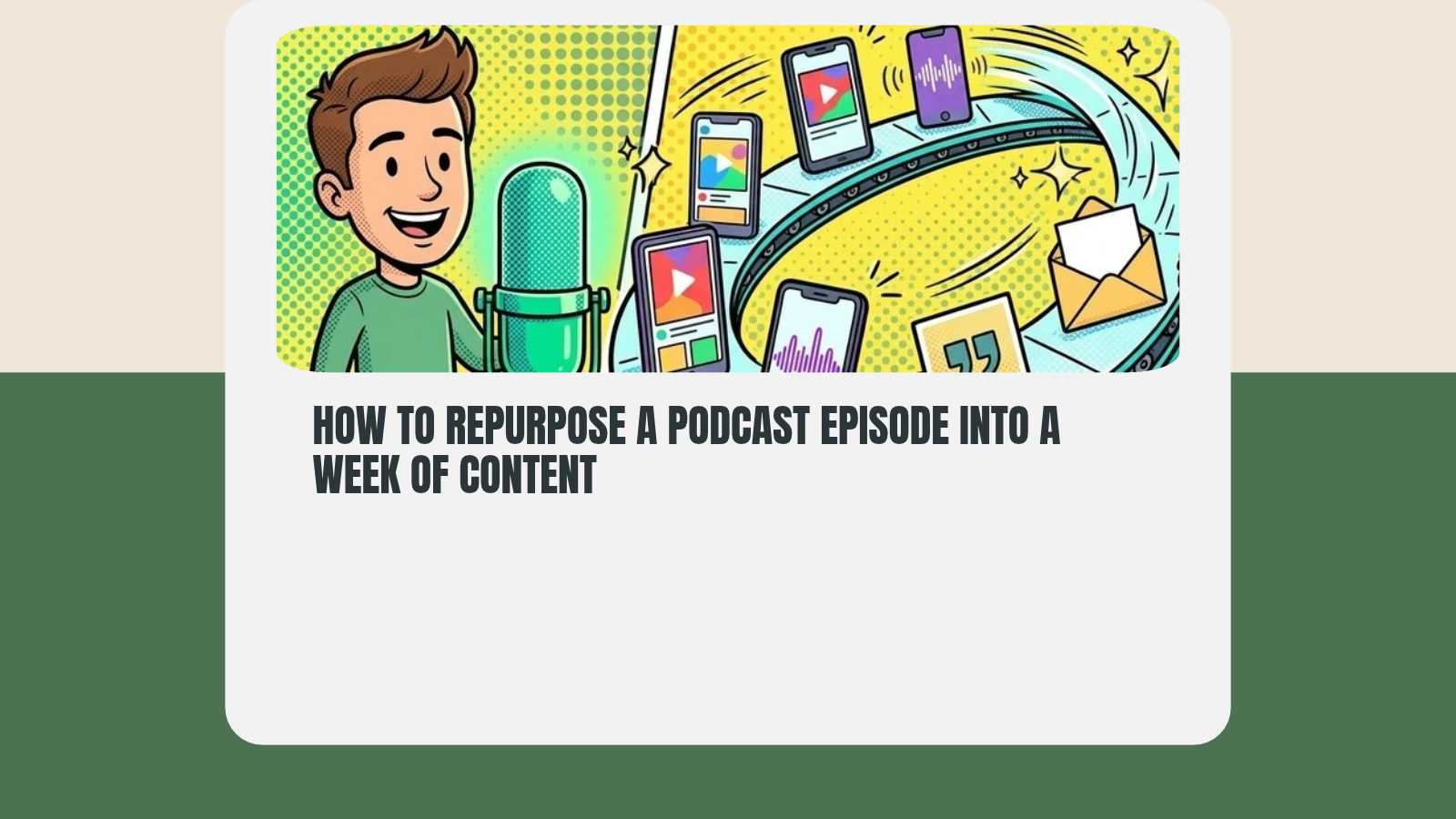
The fastest way to repurpose a podcast episode into a week of content is to run the same repurposing loop every time. The repurposing loop is a fixed checklist of outputs you make from every long-form recording: two or three short clips, an audiogram, a quote card, and a newsletter post.
Most creators don't have a system for this, so they make every repurposing decision from scratch. That causes decision fatigue, and they're more likely to throw their hands up and move on.
This post covers what the repurposing loop is, how each of its five steps works, and why it beats posting more.
What Is the Repurposing Loop?
Every recording gets the same fixed set of outputs.
It works because you made the decisions ahead of time. The only question left is "did I create everything on my checklist?"
The loop is the Promote stage of the Pack Process, the six stages we use for every piece of content: Idea, Script, Record, Edit, Publish, and Promote.
High-output creators run on this kind of clarity. It also lets you turn one piece of content into a week or more of content, and because you run the same loop week after week, the system keeps you doing it.
How Do You Repurpose a Podcast Episode?
The loop has a simple pipeline:
long-form → clips → audiogram → quote card → newsletter
Each step pulls from the same source, so you're reshaping what you already made for each platform.
You can do this after the episode is done, but it goes faster if you note timestamps while you record or edit. Then a single pass feeds every step.
Step 1: The long-form recording (the anchor)
The long-form recording is the source everything comes from. It has to stand on its own and not play like 40 minutes of "clips" strung together. Every clip, card, and email points people back here, so it needs to be strong.
Look for the three best moments in the episode, the ones that make people want the full version. Pick moments that stand alone without context: a strong opinion, a specific tip, or a surprising number.
The loop is tool-agnostic. Host the episode on YouTube, an RSS feed, or anywhere else. The recording is the asset, and you only need a URL to point people back to.
Step 2: Clips (2-3 short vertical cuts)
Now take the moments you marked and slice them into 30- to 60-second vertical clips. You'll post these to any platform that supports them, like TikTok, Instagram Reels, and YouTube Shorts.
This step is all cutting. The hard work happened in the recording, and now you're running the moments through the process. You could post them as-is, but adding captions with an auto-caption tool helps people who aren't listening.
Many tools automate clip generation, and to start, they're "fine." Clips you cut by hand tend to do better, though, because the automated tools "spray and pray" a lot.
Step 3: Audiogram (1 audio-first cut)
For platforms where audiences consume audio (and you think they'll be browsing with the volume on), a waveform and captions over a static background stand out.
The audiogram can use the same 60 seconds as a clip or a different moment for a different audience. It depends on who follows you on each platform.
Keep it repeatable: use one template and swap the audio and captions each week, so you're (again) not running into decision fatigue.
Step 4: Quote card (1 static image)
A quote card contains one sentence from the episode set as a branded image. Use your colors and keep it readable at thumbnail size. This is the first of the "no video editing" output options. It's the fastest in the loop, and it can be a Canva template you duplicate each week and fill in.
The quote card and a clip can contain the same content. Repetition increases your reach, whatever people say about it being lazy.
Step 5: Newsletter
Now go and write a newsletter post for the episode. It doesn't need to be a novel: two or three takeaways, a link to watch or listen, and your call to action.
It goes to people who opted in to your newsletter, so they're already warm to your content.
Depending on your platform, the newsletter can embed the clip and quote card you already made, so you might send that out as is.
What Does a Week of Repurposed Content Look Like?
One episode run through the loop fills seven days:
| Day | Output | Where it goes |
|---|---|---|
| Monday | Full episode | YouTube, podcast feed |
| Tuesday | Clip 1 | TikTok, Instagram Reels, YouTube Shorts |
| Wednesday | Quote card | Instagram, LinkedIn |
| Thursday | Clip 2 | TikTok, Instagram Reels, YouTube Shorts |
| Friday | Newsletter | Email list |
| Saturday | Audiogram | LinkedIn, Facebook, X |
| Sunday | Clip 3 | TikTok, Instagram Reels, YouTube Shorts |
Move the days around to fit your audience. Once the slots are fixed, filling them each week takes no decisions.
Why Is Repurposing Better Than Posting More?
Repurposing will always be more maintainable than "hustle," because one source funds your social media outreach for the week (or longer).
One recording becomes 5+ posts. If you're doing weekly episodes, that means 20+ pieces of content a month from 4 recordings. If you want to push one episode further, we broke down how a single recording becomes 21 pieces.
We preach consistency here a lot, and there's a reason for that. Consistency tells people you're coming back. The loop removes the "what do I post?" question by lowering the decision cost of each task, so you're more likely to stay consistent.
That idea is the core of PodcastOps, the way we run a show on systems instead of motivation.
How Does Repurposing Help You Stay Consistent?
When distribution stops being a separate project and becomes another checklist item after recording, you do it more often, if not every time. Creators quit when the workload feels infinite, and it can be. A closed loop makes the workload finite and known.
It also makes your podcast look more professional. The system decides, so you show up every week like a show with a team of four.
Your Repurposing Loop Checklist
Run this after every episode:
- Mark timestamps for your three best moments while you record or edit.
- Cut two or three vertical clips of 30 to 60 seconds and add captions.
- Make one audiogram from your template.
- Fill in your quote card template with one sentence from the episode.
- Send a newsletter with two or three takeaways, a link, and your call to action.
- Slot every output into the week's calendar.
Want More?
If you want more systems like this one, subscribe to The Steady Pack and join the newsletter so the next piece lands in your inbox.
Unleashed Podcasts has a module that tracks the assets you've made and whether they've gone out the door. It's free to try.